Accessing a Stock Profile
To view the Stock Profile of a symbol:
Method 1:
- Click on the
 icon in the workspace.Go to the Analytics tab from the side menu, then select Stock Profile.
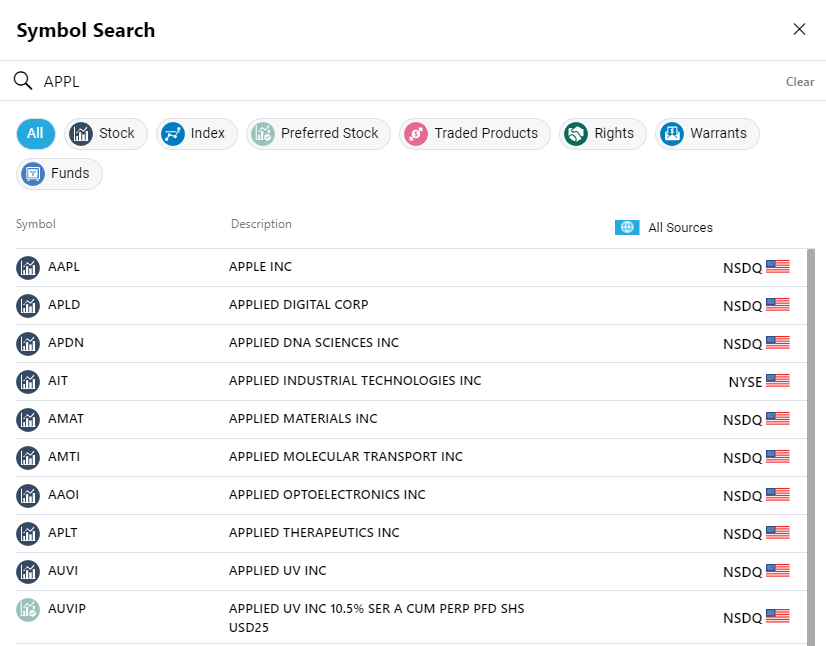
 - Using the search tool
 (located at the top left-hand corner of the window), search for your preferred symbol by selecting it from the autocomplete list as you type.
Method 2 :
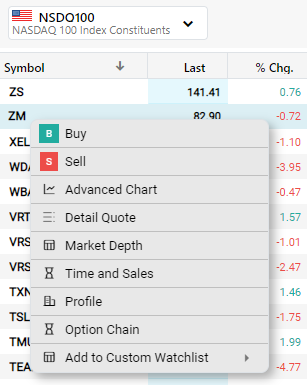
- A Stock Profile can also be opened by right-clicking on a symbol within a watchlist and then selecting Profile from the context menu.
- Click here to learn about the different component tabs contained in a Stock Profile.